Give your coding agent actual QA evidence
Read the latest failures through MCP and request an investigation, then review and verify changes.
Stop reconstructing the failure by hand
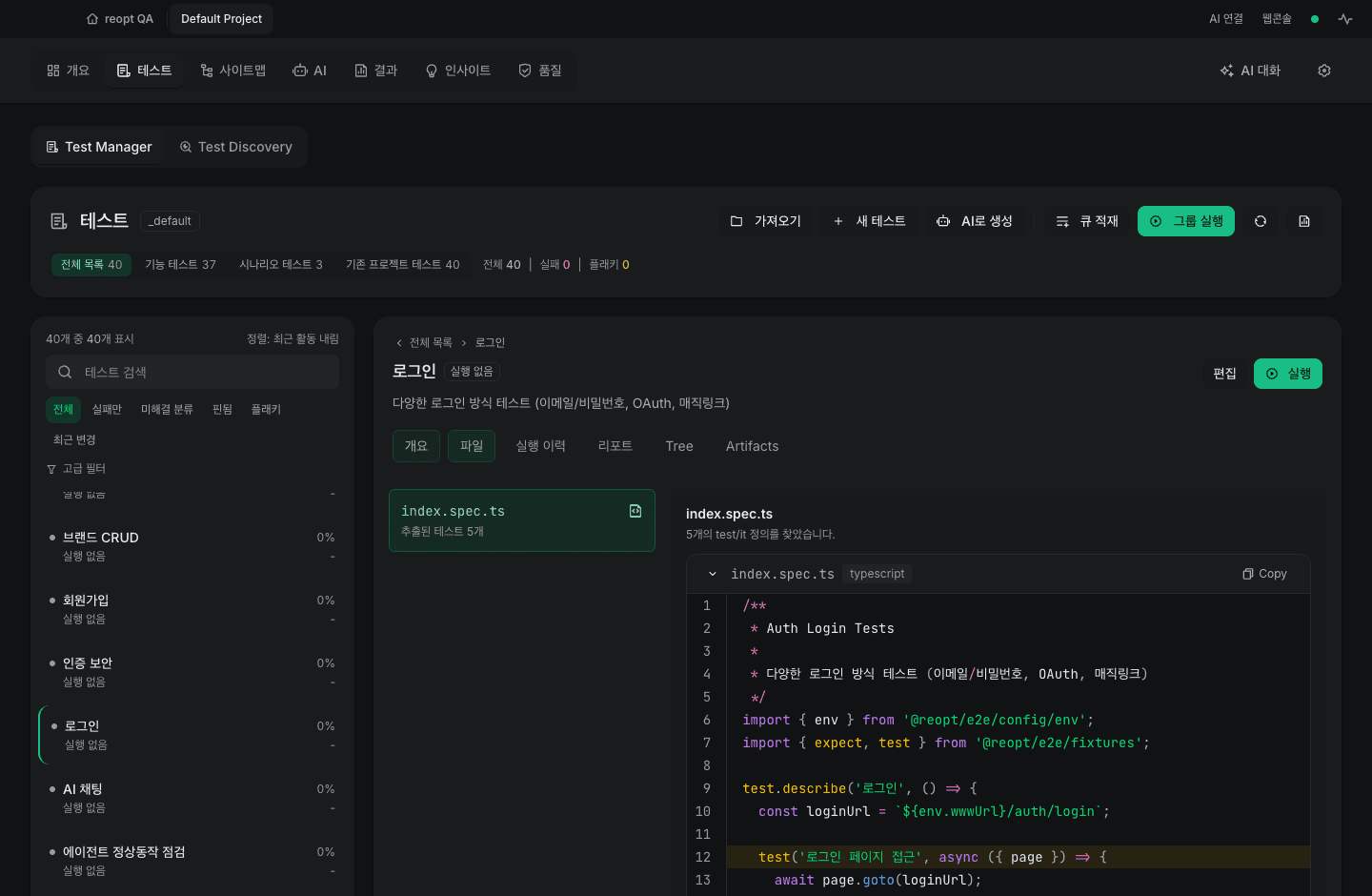
Working with a coding agent often means copying failed tests and logs into another tool. An MCP connection lets that tool read reopt QA tests, latest reports, and AI session states.
Start with read access and ask it to separate observed facts from possible causes. Reading the latest report is different from querying all historical analytics.
Allow only the work you need
Running tests and starting exploration, investigation, or fix sessions require project permissions. Fixes initiated by external agents always need a person to review and approve them in the app before file application.
Review an investigation, apply the intended fix, and rerun the test. Check that assertions were not weakened merely to obtain a pass.
Prepare the connection
The MCP bridge currently comes from the repository CLI, not the desktop installer. It needs a running app and an explicit project scope. The documentation includes commands and permission settings.
The bridge connects locally, but an external AI client can send returned data to its model provider. Review that client’s data handling and model costs too.